10 Business Processes You Can Automate With AI Today
A practical guide to AI business process automation: where to start, what to avoid, and how to turn repetitive work into reliable workflows.
Direct answer: which business processes can you automate with AI today?
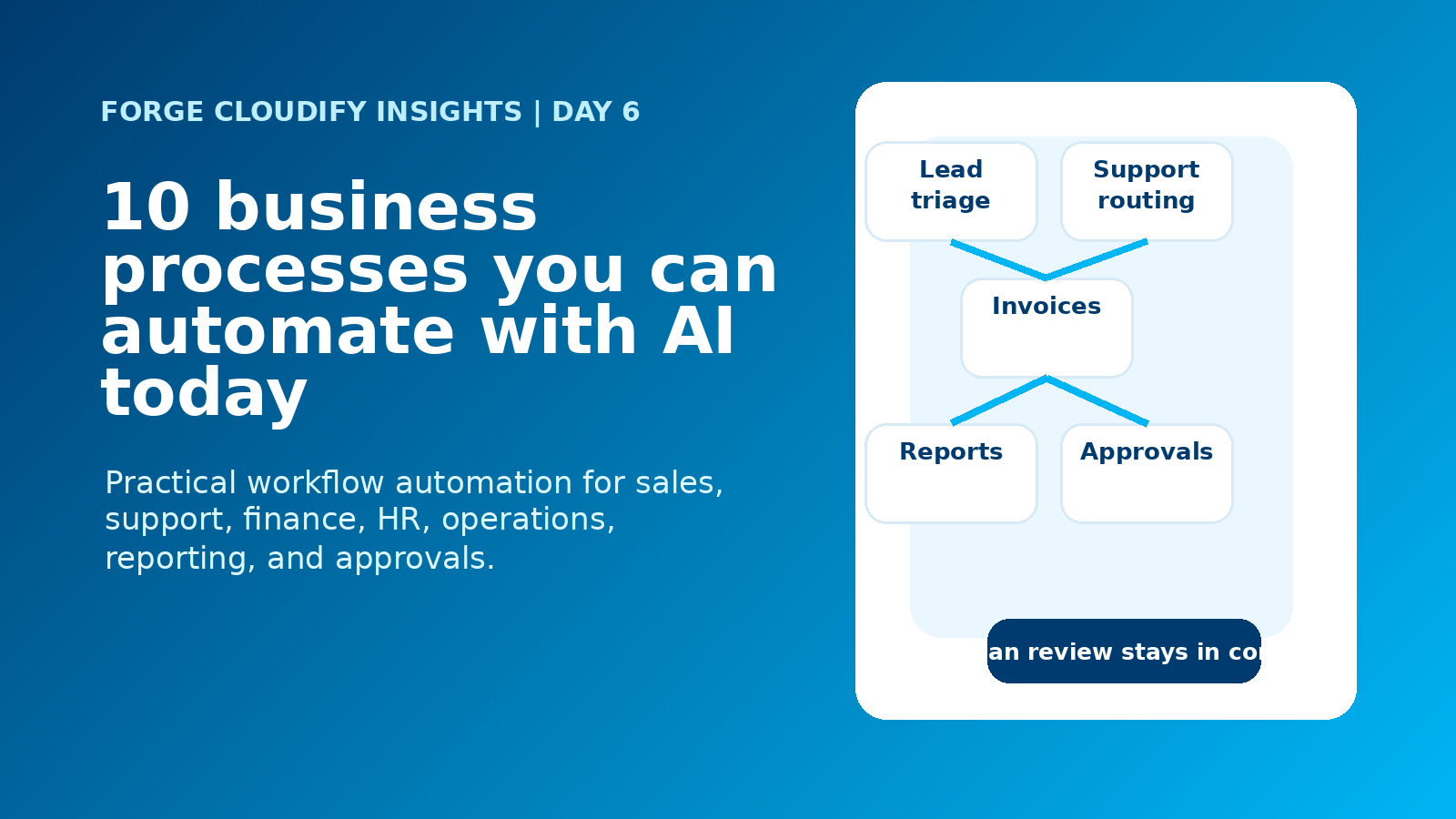
AI business process automation works best when it targets repeatable workflows with clear inputs, decisions, outputs, and review points. Sales triage, support routing, invoice handling, reporting, onboarding, document processing, approvals, scheduling, stock alerts, and customer follow-ups can all be automated without removing human ownership.
Start with workflows, not tools
AI automation becomes useful when it is attached to a real business process. A tool by itself may draft text or summarise a file, but a workflow turns that capability into something repeatable: an enquiry is received, data is checked, risk is flagged, a next step is prepared, the right person reviews it, and the result is recorded.
For UK companies trying to reduce admin pressure, the safest starting point is not the most futuristic idea. It is the process your team repeats every week, already understands, and can measure. If the automation saves hours, reduces errors, improves response time, or protects customer experience, it earns the right to expand.
10 business processes you can automate with AI today
Lead qualification
Score enquiries by fit, urgency, budget signals, source, and activity, then route the best prospects to sales with context.
Customer support triage
Classify tickets, detect sentiment, suggest replies, prioritise urgent issues, and escalate edge cases to the right person.
Invoice and expense handling
Extract invoice data, match suppliers, flag mismatches, prepare approvals, and sync clean records into finance tools.
Quote and proposal preparation
Turn discovery notes into structured scopes, assumptions, timelines, risks, and first-draft proposals for review.
Document processing
Read PDFs, forms, contracts, applications, and emails, then convert key fields into searchable business data.
Management reporting
Pull updates from CRM, finance, operations, and support systems, then explain movement in plain English.
Employee onboarding
Trigger account setup, document requests, policy acknowledgements, training reminders, and manager checklists.
Internal approvals
Route purchase requests, discounts, leave, access requests, and operational exceptions with logs and deadlines.
Scheduling and follow-ups
Draft follow-up messages, detect missed replies, coordinate appointments, and keep CRM activity current.
Inventory and operations alerts
Monitor thresholds, delays, exceptions, or stock movement and notify the team before small issues become expensive.
How to decide what to automate first
How Forge Cloudify builds AI process automation
The strongest automation projects are part business analysis and part software engineering. Forge Cloudify approaches AI automation as a practical system: map the workflow, prove the value, connect the tools, add controls, and improve from production feedback.
Map the current process
We document who does the work, which tools are involved, where delays happen, what data is needed, and which outcomes matter commercially.
Design the AI-assisted workflow
We define triggers, data checks, AI tasks, routing logic, human approval points, fallback paths, audit logs, and success metrics before building.
Build and integrate
We connect CRMs, websites, accounting tools, helpdesks, databases, emails, dashboards, and APIs so the automation fits the way the business actually works.
Launch, measure, and refine
After launch, we review accuracy, adoption, exception rates, time saved, and user feedback so the automation becomes more dependable over time.
Good automation candidate vs poor-fit workflow
| Decision area | Good AI automation candidate | Poor first automation candidate |
|---|---|---|
| Process shape | Repeatable steps with clear data, clear owners, and visible handoffs. | Informal work that changes every time and has no agreed process. |
| Risk level | AI prepares, recommends, routes, extracts, or flags while humans approve important decisions. | AI is expected to make sensitive decisions alone without audit or escalation. |
| System fit | Can connect to CRM, email, finance, helpdesk, ERP, website, or database records. | Lives in disconnected documents with unclear source data and no owner. |
| Measurement | Success can be measured in time saved, faster response, fewer errors, or better conversion. | The goal is vague, cosmetic, or based only on wanting to “use AI”. |
Where AI automation creates the most value
The best results usually come from automating the middle of the process, not the entire job. AI can gather context, extract fields, draft responses, classify requests, prepare summaries, flag anomalies, and update systems. People still own judgement, relationships, exceptions, approvals, and accountability. That balance is what makes automation useful rather than risky.
Ready to remove repetitive work from your business?
Forge Cloudify can help you identify the right first workflow, build the AI automation, connect your systems, and launch with the controls your team needs.
Frequently asked questions
What business processes can be automated with AI?
AI can automate repeatable processes such as lead qualification, customer support triage, invoice processing, reporting, employee onboarding, document extraction, approvals, scheduling, stock alerts, and customer follow-ups. The best candidates have clear inputs, consistent rules, and measurable outcomes.
Will AI automation replace my team?
It should not be designed that way. The strongest AI automation removes repetitive admin, prepares information, routes work, and flags exceptions so people can focus on judgement, relationships, negotiation, and higher-value decisions.
How do I choose the first process to automate?
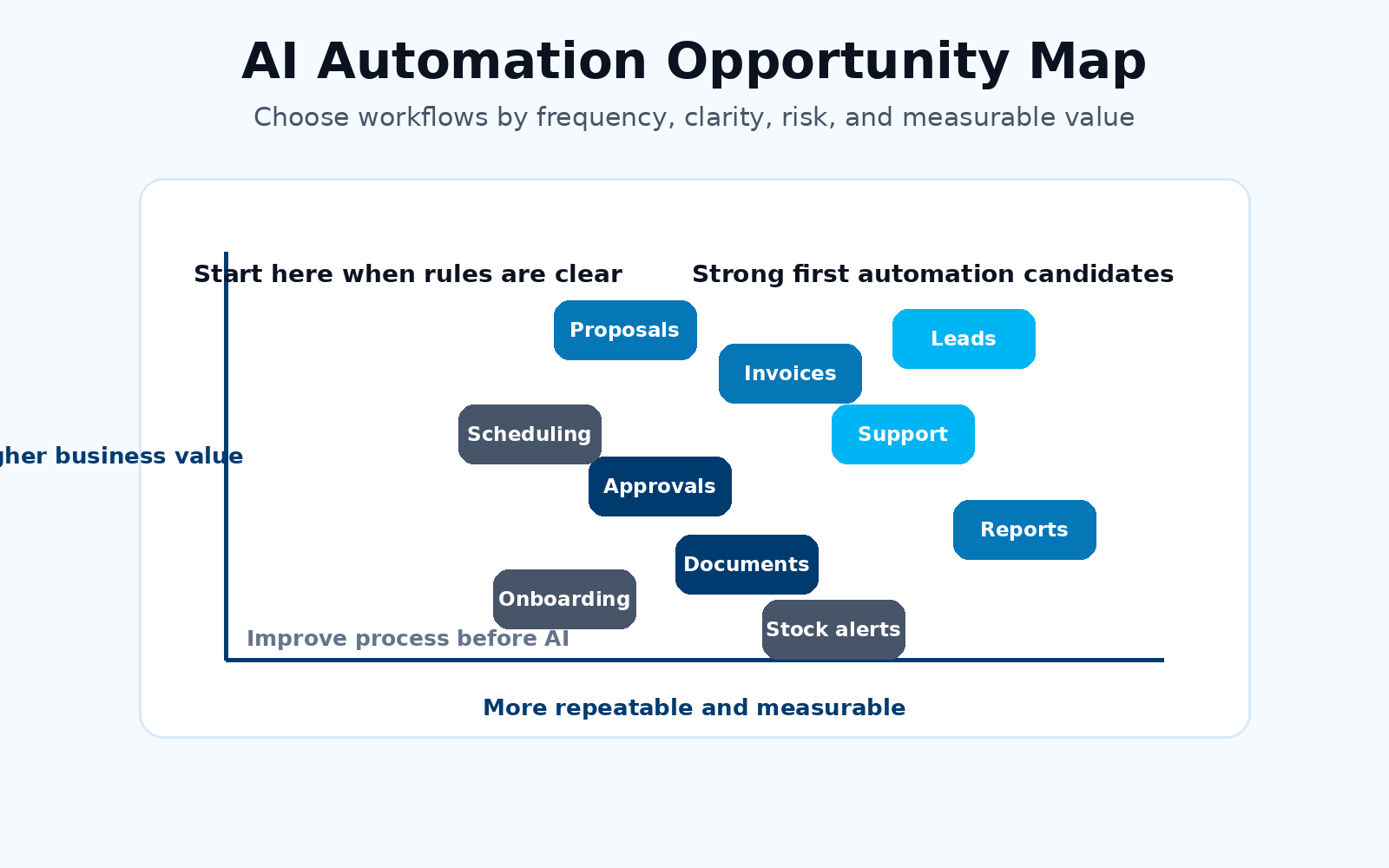
Start with a workflow that happens often, wastes visible time, uses structured or semi-structured data, has clear success metrics, and does not require fully autonomous decisions on day one. A small win creates evidence for wider automation.
What systems can AI automation connect to?
AI automation can connect to CRMs, websites, email, spreadsheets, accounting tools, helpdesks, ERPs, document storage, calendars, dashboards, payment platforms, and custom databases through APIs or integration platforms.
Does Forge Cloudify build AI business process automation?
Yes. Forge Cloudify helps businesses map workflows, build AI-assisted systems, connect business tools, create dashboards, deploy secure cloud infrastructure, and improve automations after launch.
Related services: AI Development, Software Development, Cloud & DevOps, Forge Cloudify Services, and Project Estimate.